Features
AI Suggestions
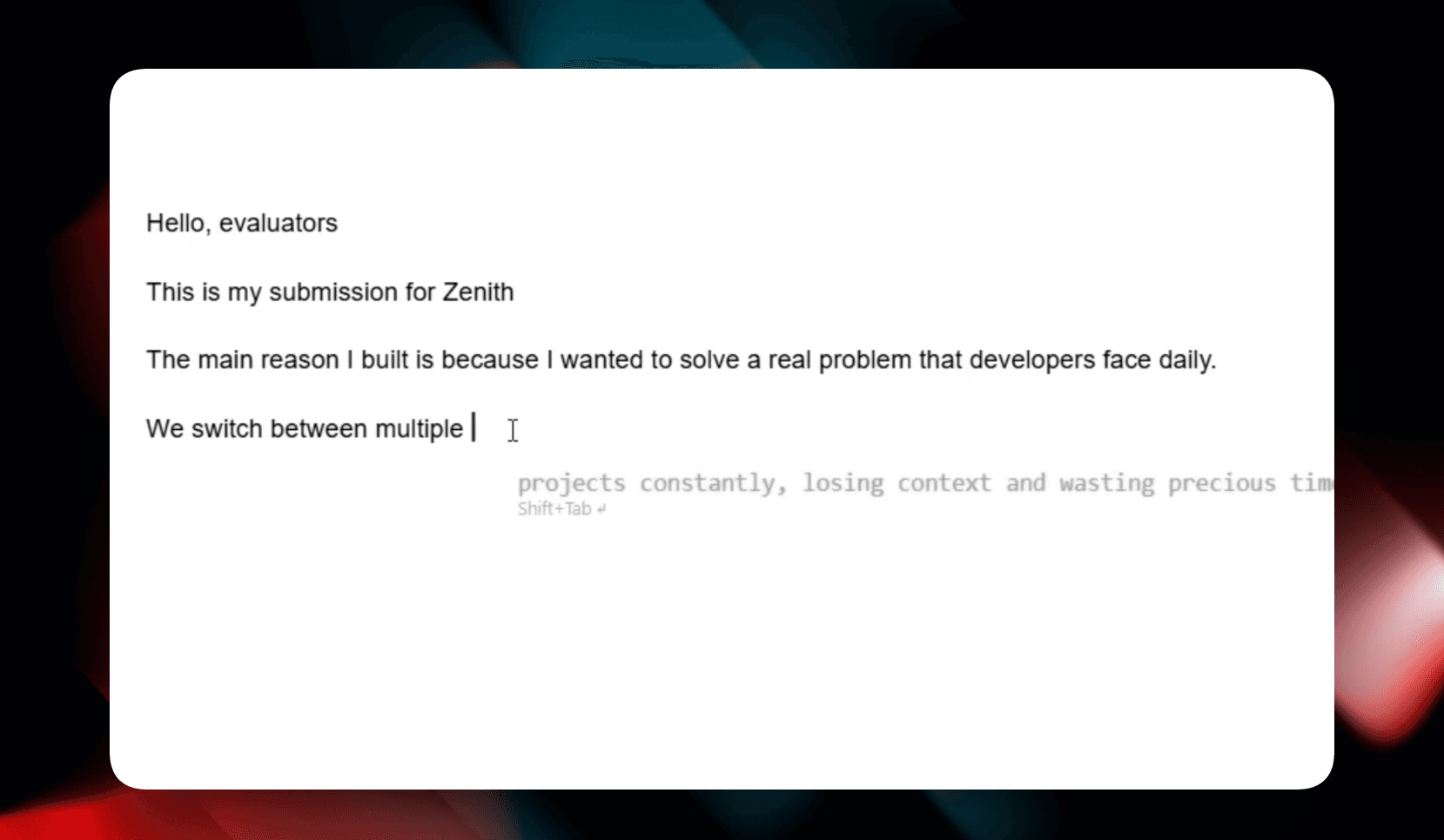
System-wide ghost text completions for seamless writing and coding.
AI Suggestions provide inline completions as you type, similar to VS Code's Copilot but available in every application on your Windows machine.
How it Works
When you stop typing or need a suggestion, Tabby looks at your recent input and generates a continuation.
Triggering Suggestions
- Manual (
Ctrl + Alt + G): Explicitly request a suggestion at your current cursor position. - Auto Mode: Tabby can automatically provide suggestions after you pause typing. The delay is fully configurable in the settings to match your typing speed.
Interaction
- Accept: Press
Shift + Tabto accept the suggestion. - Reject/Close: Press
Shift + Escor continue typing to ignore the suggestion.
Context Awareness
The suggestions are not just based on the last few words. Tabby maintains a rolling window of context, ensuring that completions are relevant to the overall topic you are writing about.