Features
Brain Panel & Memory
Managing your AI's personal knowledge base and persistent memory.
The "Brain" of Tabby is powered by a combination of vector stores and knowledge graphs, allowing it to remember your preferences and past interactions.
The Brain Panel
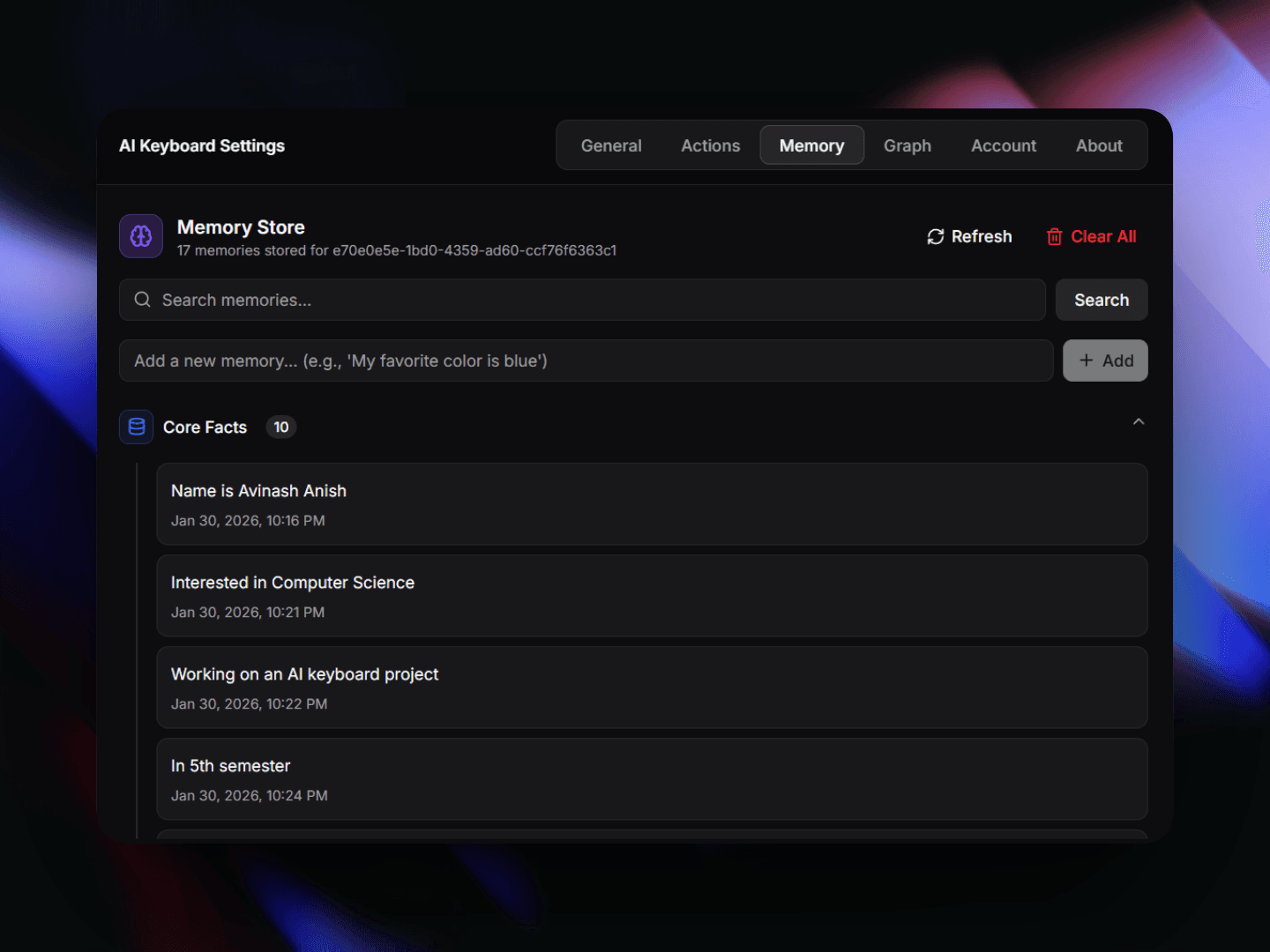
Press Ctrl + Shift + B to toggle the Brain Panel. This is your dashboard for everything the AI knows about you.
Key Features
- Memory List: View and delete specific facts the AI has learned.
- Visual Memory: Upload images that the AI can reference later for context.
- Context Monitoring: See what the AI is currently capturing from your screen to inform its suggestions.
Knowledge Graph
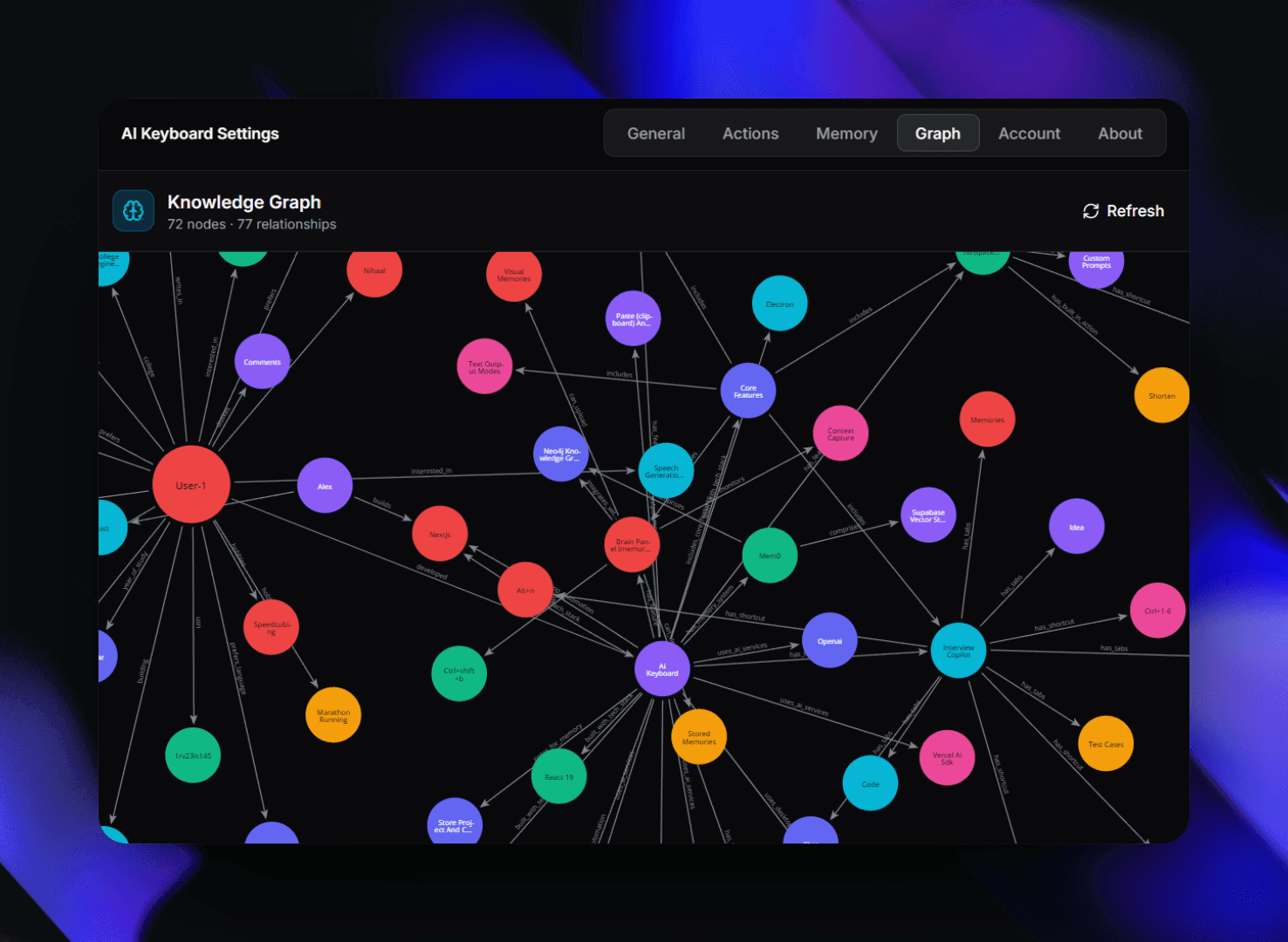
Tabby uses Neo4j to build a knowledge graph of your interactions. This allows for complex relationship mapping that traditional vector searches might miss.
How Memory is Captured
Memories are captured in two ways:
- Explicit: You tell the AI something like "I prefer using Python for data analysis."
- Implicit: The AI observes your patterns and stores relevant context automatically (e.g., your preferred coding style or frequently used libraries).